ChatGPT
Use the built-in plugin to ask tax research questions directly in ChatGPT. It brings Bizora's research workflow into your ChatGPT conversations, so you can ask questions and receive answers grounded in primary tax authority.
Connect Bizora to ChatGPT
You can connect Bizora from the ChatGPT plugin directory:
- Open ChatGPT and go to Settings.
- Open Plugins.
- Search for
Bizora Tax Research. - Open the Bizora Tax Research plugin.
- Choose Install plugin.
- Complete the browser sign-in when ChatGPT asks for authorization.
- Start a new ChatGPT conversation and ask a tax research question.
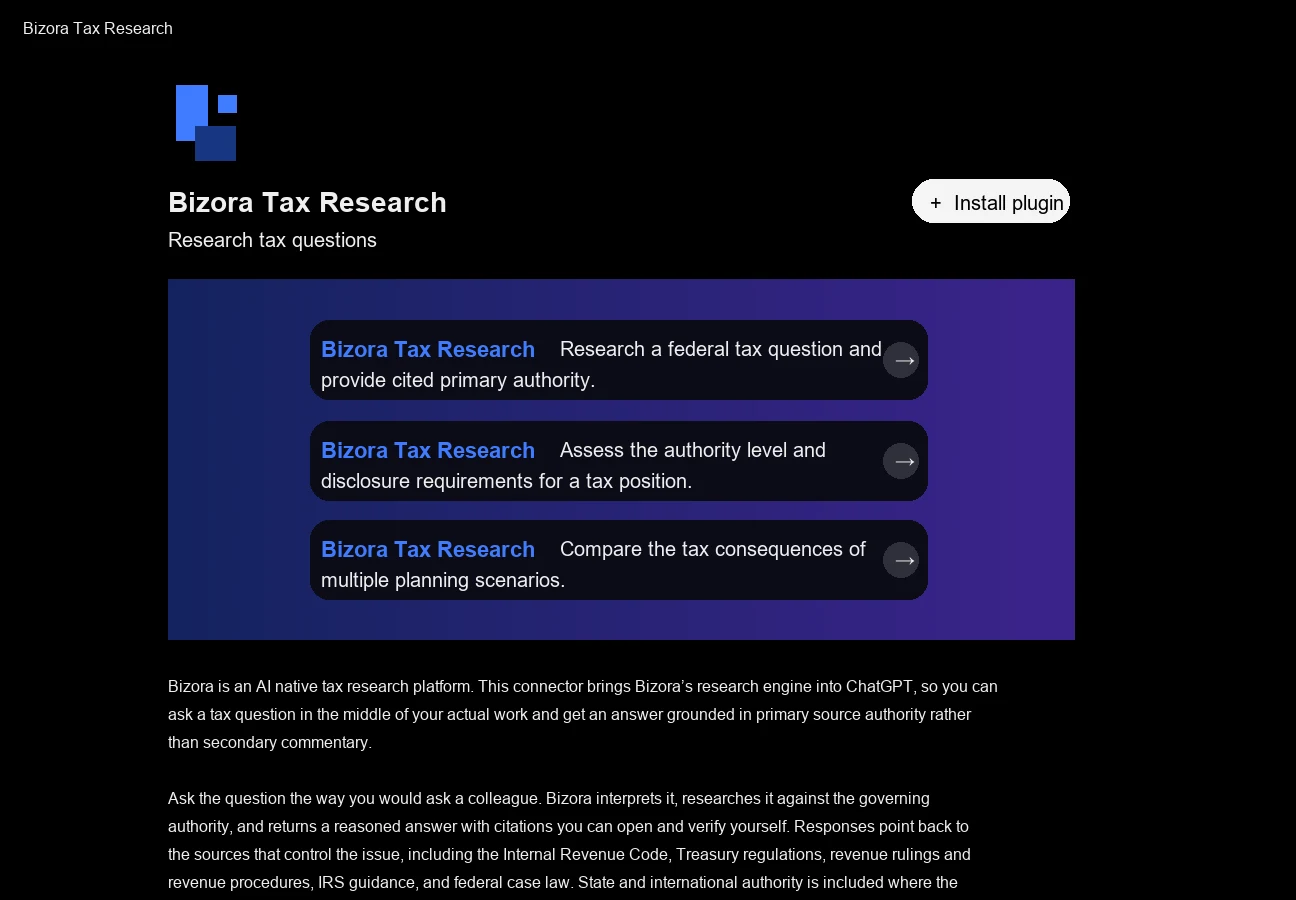
Use Bizora in ChatGPT
After the plugin is installed, start a new ChatGPT conversation and ask a tax research question. ChatGPT can use Bizora Tax Research to research the issue and return an answer with citations you can review.
For pricing by research or ask mode, see the Pricing page.
Advanced Setup
Use the Custom Plugin page when you need more control over MCP configuration, such as selecting specific research modes. For most users, the built-in plugin is the recommended setup.